Megapaint
A downloadable tool
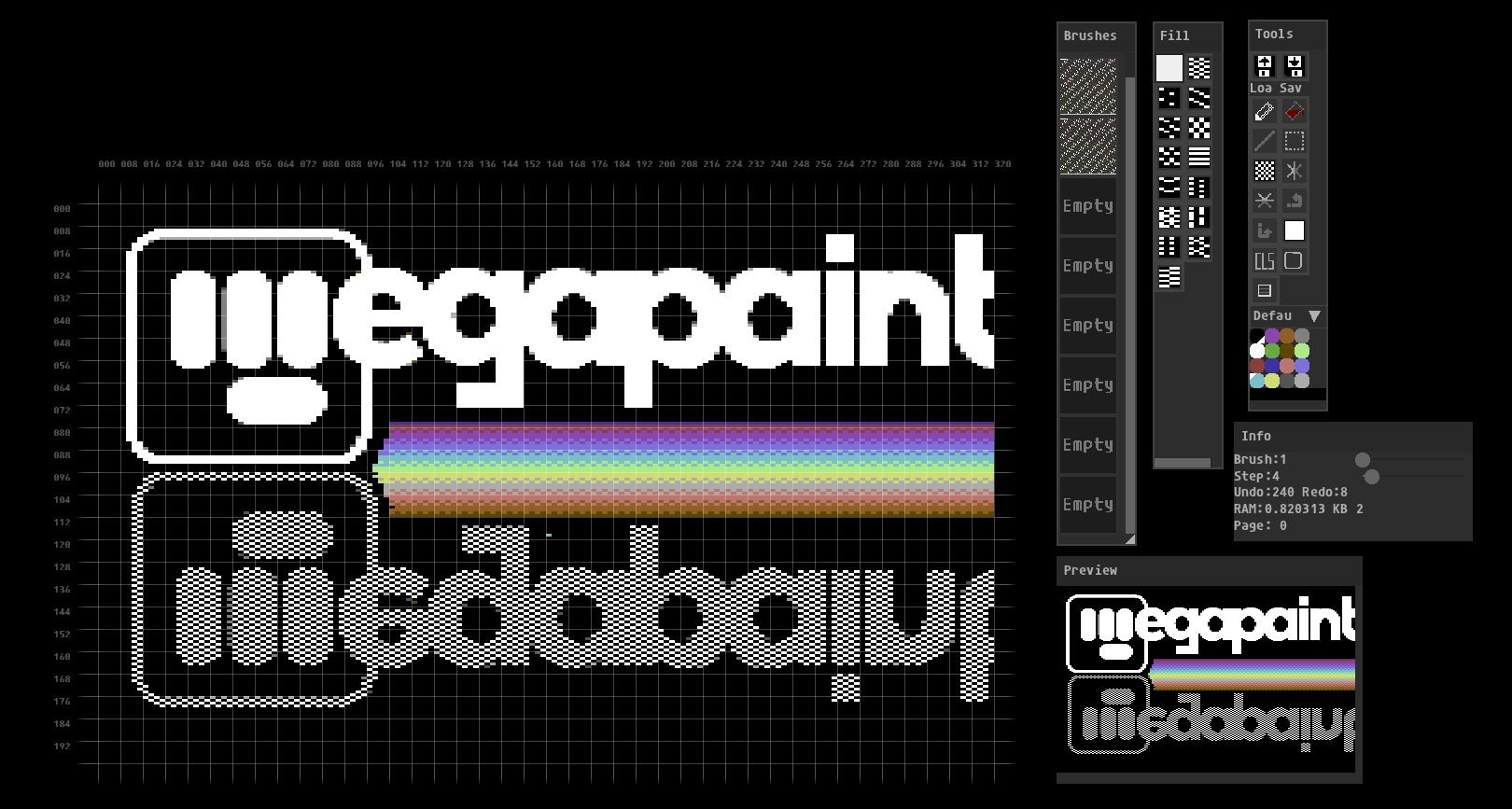
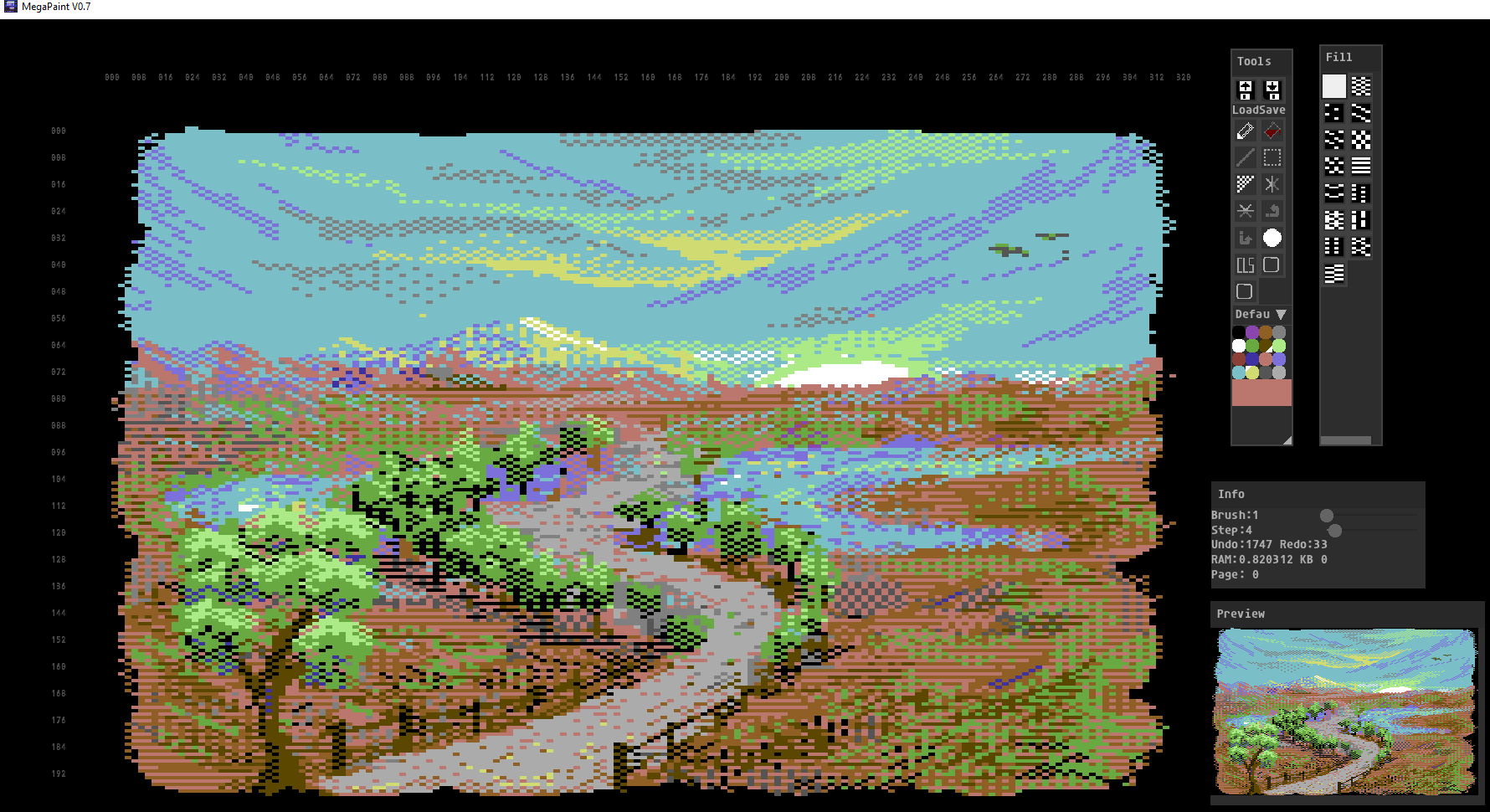
Megapaint is a Pc tool for Commodore 64 artitsts who wants to create koala pictures. With Megapaint you have 16 pages to paint with. You can use these for animations, or a page or two of brushes you like ( you have plenty, treat yourself ). You can paint with either a rectangle, a circle, or a brush you made yourself.
To load up a picture you are working with, just drop a koala (.KLA file) or a 320x200 .PNG file onto the running app.
UPDATE INFO 24/11-25: Version 1.1 is now available in the download section.
Video tutorials:
UI and main tools: https://youtu.be/ok2dVSlqASI
Grab Brush: https://youtu.be/qIzIvrSxzhw
Pattern Modes: https://youtu.be/Hl45wPyH-bc
Patterns + Colour Replace: https://youtu.be/vBRN6xxHXhM
Load / Save + Colour Clash: https://youtu.be/GEEyltyd_Is
Creating the Futureborg picture: https://youtu.be/-w-wZK1uyOg
Shortcut keys:
G : toggles pixel grid
T : toggles cell grid
C : toggles circle or box shape for brush
V : toggle view colour clash for C64 bitmaps
P : Pen mode
L : Line mode ( L again will toggle stepped or full line )
F : Fill mode
G : Rectangle grab for brushes
[ : decrease paint brush size
] : increase paint brush size
PAGE DOWN : decrease page number
PAGE UP : increase page number
, : decrease line step
. : increase line step
O : toggle dither transparency
BACKSPACE : check C64 compatibility
V : toggle view clash boxes
LEFT CTRL + Z : undo
LEFT CTRL + Y : reddo
LEFT CTRL + O : File Open dialog
LEFT CTRL + A : Save As dialog
To paint:
LEFT MOUSE : foreground colour
RIGHT MOUSE : background colour
MIDDLE MOUSE or SPACEBAR : Move canvas around
MOUSE WHEEL : Zoom in and out
LEFT SHIFT + button: Only update dither channel ( leave color alone )
LEFT ALT + button : Colour pick
LEFT CTRL + button: Replace colour 1 with colour 2
Store and retrieve brushes:
LEFT ALT + key 1 through 8: To store brushes into one of the 8 available brush slots
LEFT SHIFT + key 1 through 8: To quickly retrieve brushes, or use the Brush palette.
Megapaint was created by:
MonstersGoBoom (concept and most of the code), Robert Ramsay and Sakrac (for C64Gfx which is used: https://github.com/Sakrac/C64Gfx)
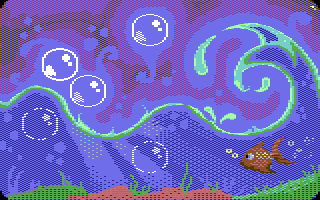
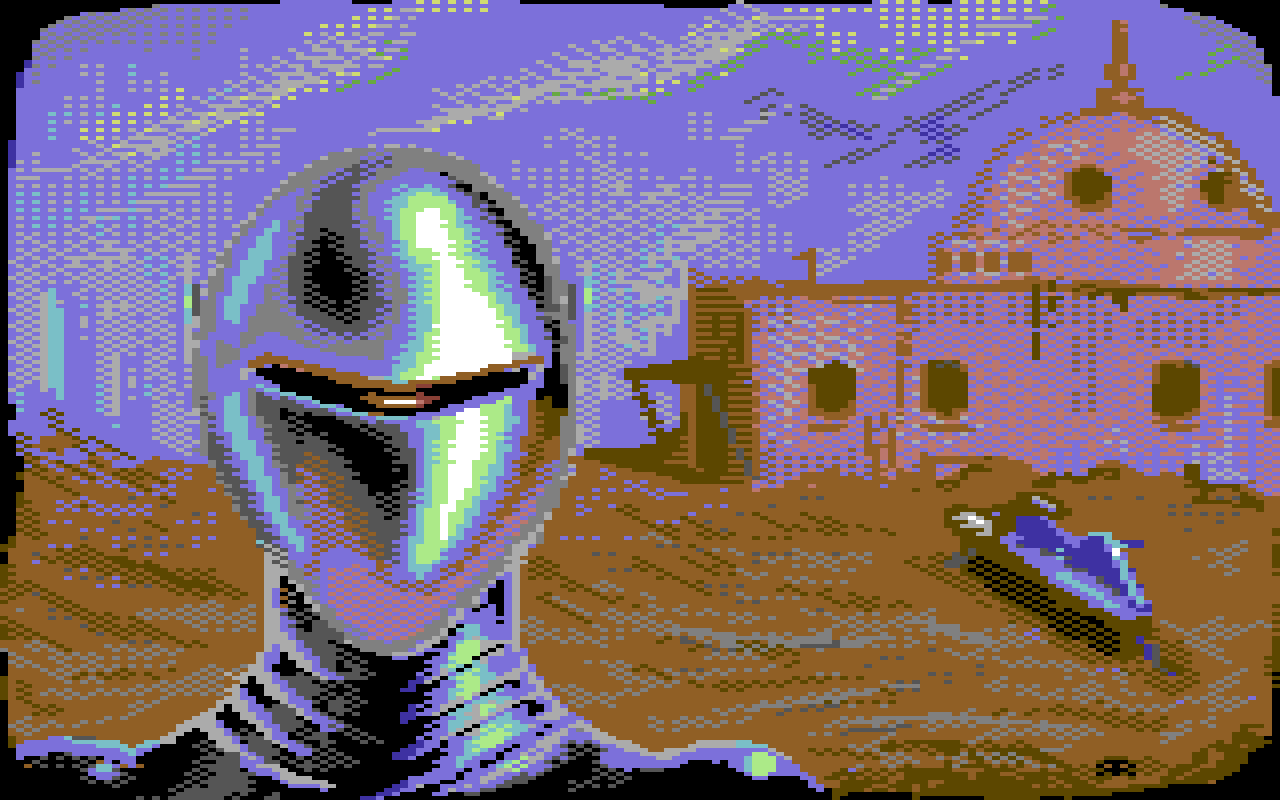
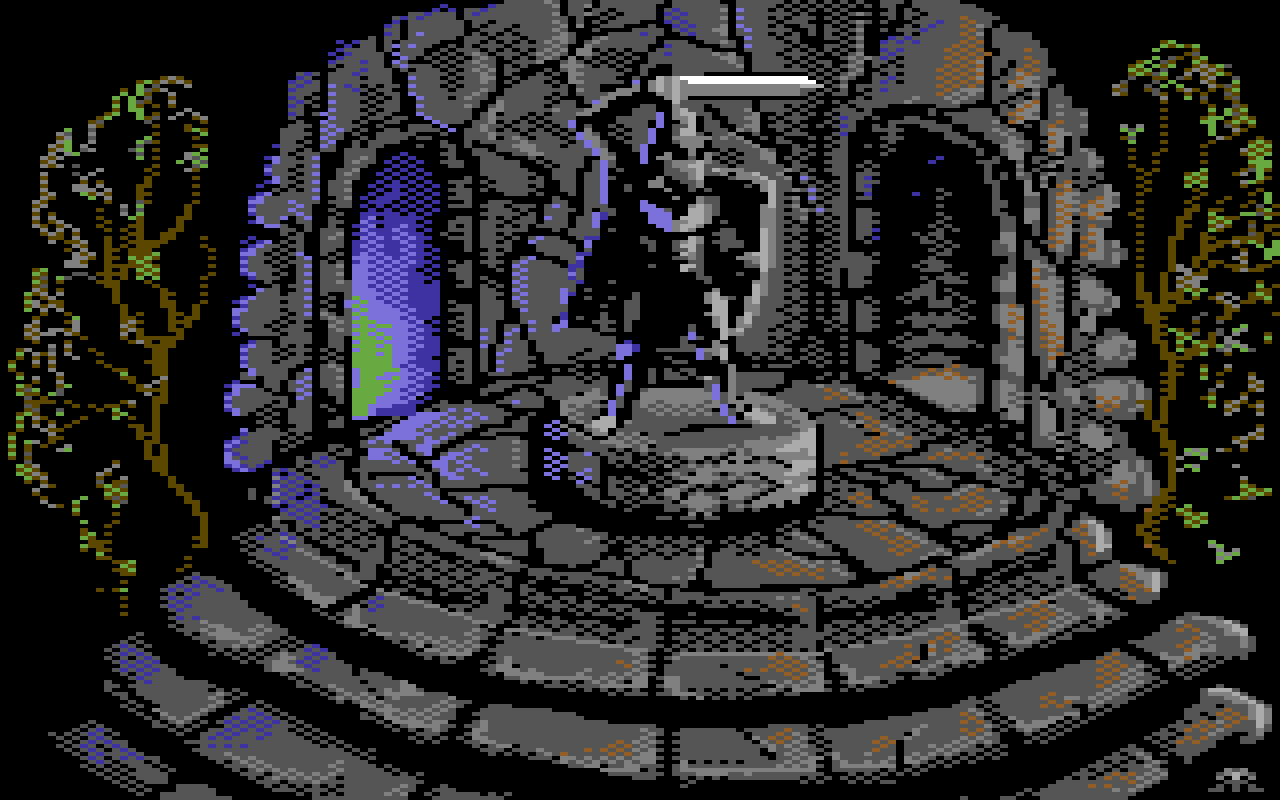
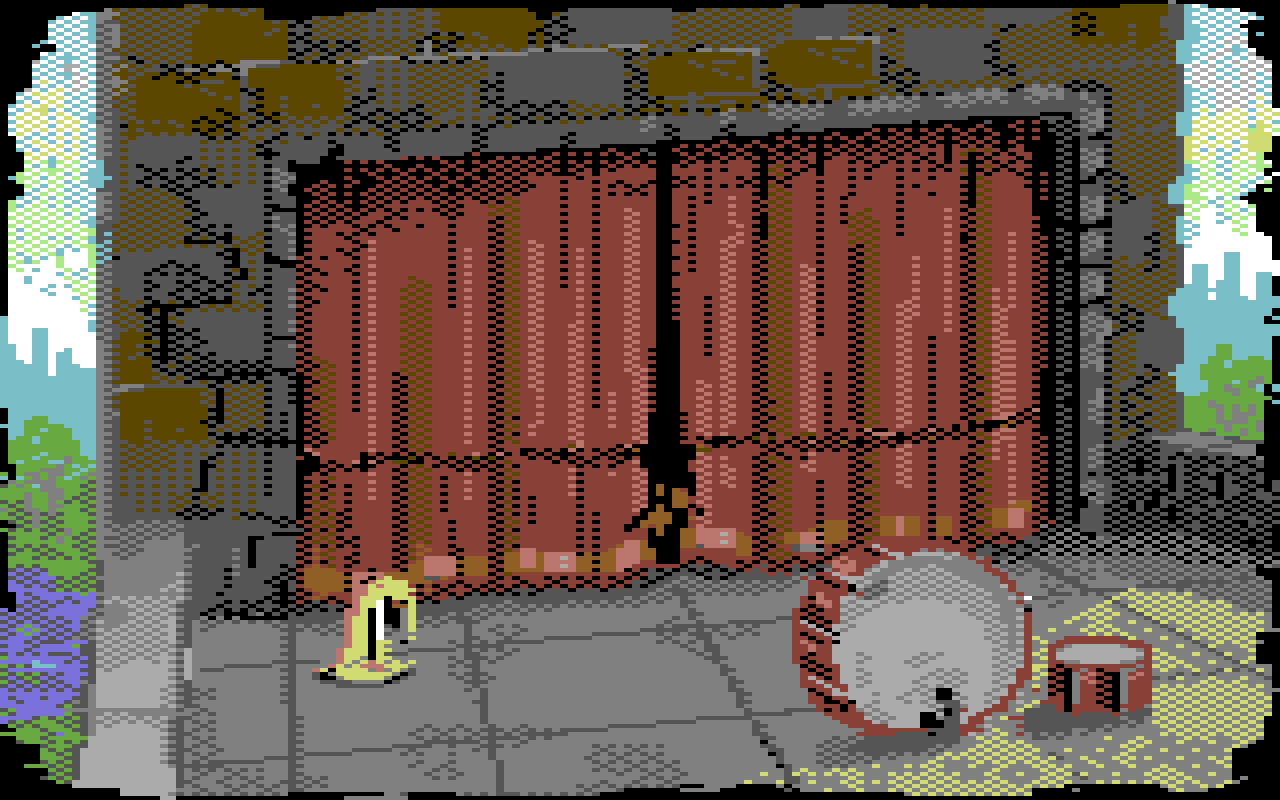
If you want to see examples of graphics made by using this tool, visit Robert's Itch page: https://polytricity.itch.io/c64-art-collection
The link to the public Megapaint repo on Github: https://github.com/Megastyle64/MegaPaintC64
Download
Install instructions
Confirmed with VirusTotal to be virus free. Certain lesser quality products are incorrectly flagging this with a false positive.
Comments
Log in with itch.io to leave a comment.
It's a great tool for our beloved 8-bit computers, but I've encountered some issues. I'm writing this to improve the tool, not to criticize it: on a Windows 10 PC, a message appears indicating that some DLLs are missing (vcruntime140d.dll and ucrtbased.dll). These DLLs are required for compiling in debug mode; it's recommended to compile in release mode, as DLLs with a "d" at the end of their names are only present if Visual Studio is installed, not in the standard C runtime 2015. On another Windows 11 PC, with Visual Studio and all runtimes installed, the program starts, but I can't load a PNG image, even if it's generated by the program itself, and it quits unexpectedly. Best regards!
Thank you. Looks great! Question: I was watching some of your videos and they are great! Do you use some kind of tablet for drawings? Thank you.
Mostly mouse, but sometimes Wacom tablet as its a little easier on the hand.
Wonderful little gem! Thank you! Small error I think - a typo. On the drop down list of pallets it says "Defaul" instead of "Default". Not sure if it was dictated by the space of the list or typo, not a biggie just thought I will mention it. Now need to use it more! Fantastic, thank you once more!
I have a fix for that coming. the text is correct, the window was too small.
Looks like fantastic!
very good
Looks awesome, I'll try it, thanks!